



Neo Ergo - Ergonomic ANSI Mechanical Custom Keyboard Kit
Low stock
A tented Alice keyboard in aluminium: your wrists stay straight and your hands rest slightly turned outwards, for long, comfortable typing sessions. Wireless, hot-swap and easy to build.
- 5° tent · 8° angleNatural hand position
- Tri-modeUSB-C, 2.4 GHz, Bluetooth
- Hot-swapNo soldering, VIA
- Gasket mountEven feel and sound
What you need to complete it
- →A plate: required, choose it above
- ✕Switches and keycaps: not included
- ✓Included: tri-mode hot-swap PCB, batteries, stabilizers, USB-C cable, carrying case
Includes:
Includes:
Neo Ergo Keyboard
- Case (Top + Bottom + Kernel + Weight)
- Two 2200 mAh batteries will be installed inside of the kernel part for orders with Tri-mode PCBs
- PCB kit (PCB, PE Sheet, PCB Foam)
- Poron case foam
- PCB Daughterboard and magnetic connectors
- Gaskets
- Rubber feet
- LED diffusers
- 4 Case corner protectors
Free Gifts
- Keyboard carrying case
- 1x Keycap & Switch puller
- 1 set of PCB clip-in NeoStab
- USB-C cable


Your payment information is processed securely. We do not store credit card details nor have access to your credit card information.
Type the way your hands naturally want to.
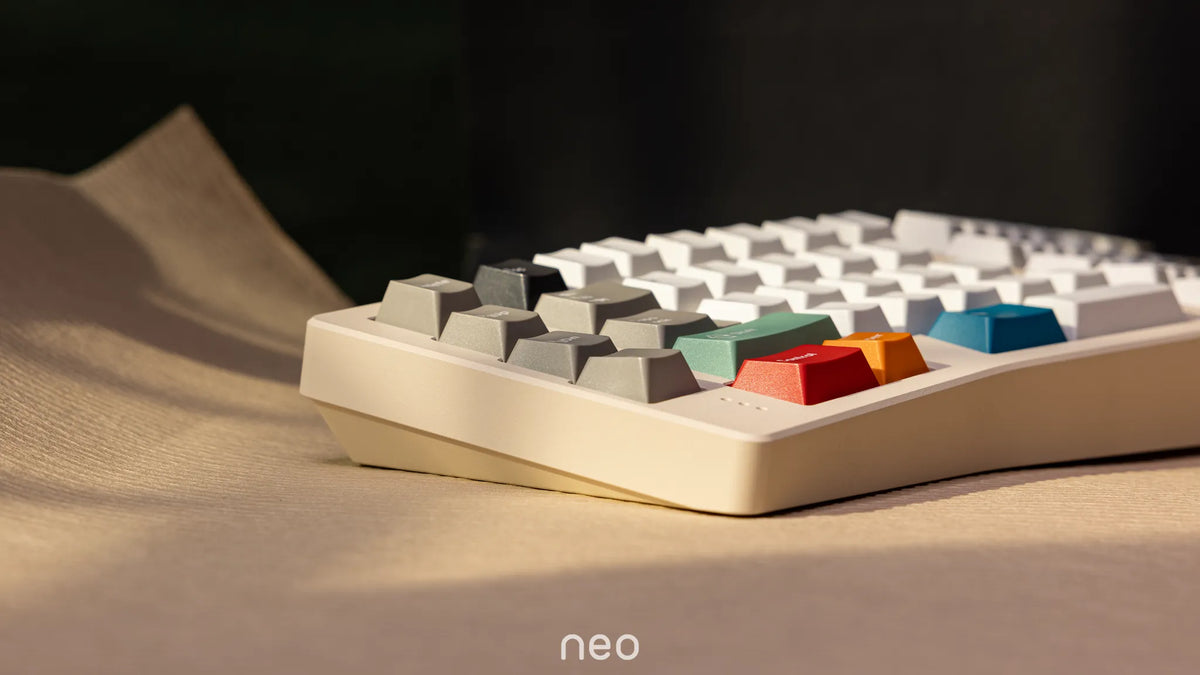
The Neo Ergo is a tented Alice keyboard in a solid aluminium case. The two halves are angled and lifted in the middle, so your wrists stay straight and your hands can rest slightly turned outwards, without the learning curve of a fully split keyboard.
Add wireless in three modes, a hot-swap PCB and a gasket mount designed specifically for a tented case, and you get an ergonomic board that is a pleasure to type on every day.
As natural as possible
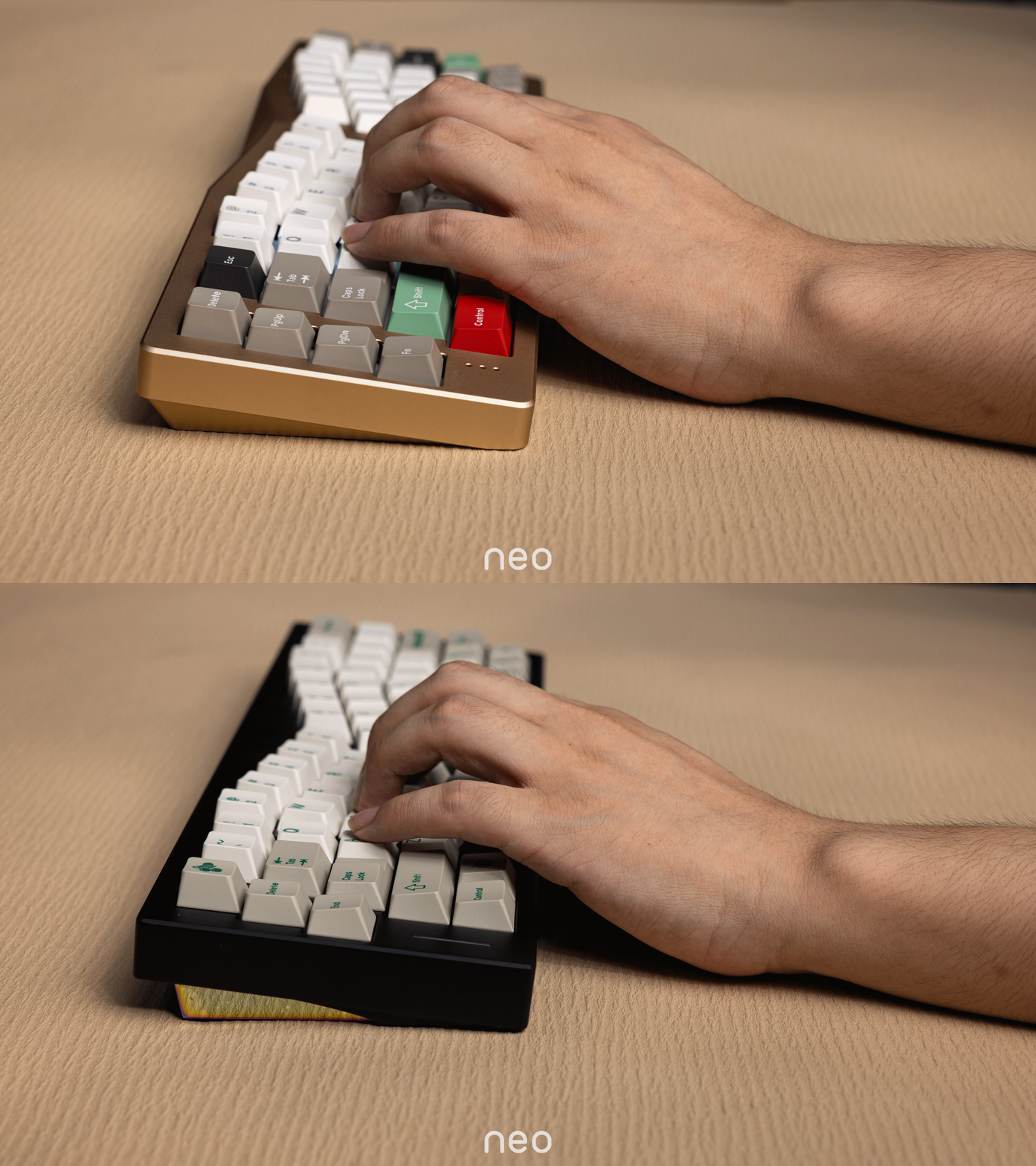
A classic Alice layout already keeps your wrists straighter than a regular keyboard, but it does nothing for forearm rotation. Neo Studio studied many open-source ergonomic designs and added what is usually overlooked: the tilt and rotation of your hands.
The case rises in the middle (5° tent) so your hands can turn slightly outwards, the way they rest when relaxed. This reduces wrist rotation and relieves tension in the forearms during long typing sessions.
- 5° tenting + 8° typing angle
- Angled Alice layout: no split halves to position
- Front height 14–27 mm

A symmetrical Alice layout
Symmetry was a priority: both alpha blocks are almost mirror images, and the F and J keys sit symmetrically, so your fingers find their home position instantly.
The layout is ANSI-compatible and every key can be remapped in VIA.
- Split backspace and split shift supported
- 2.25u + 2.75u spacebars
- Arrow-key configuration available
 03 — TYPING FEEL
A gasket mount made for a tented case
During prototyping, a standard gasket mount gave uneven feel and sound on a tented board. The gaskets were moved to the middle and the corners, so the typing feel and the sound stay consistent across the whole keyboard.
 04 — EASY TO BUILD
No screws, no cables to wrestle with
The case closes with ball catches instead of screws, and the daughterboard connects with magnetic connectors. Opening the board to change switches or the plate is quick and easy.
Wired or wireless, your choice
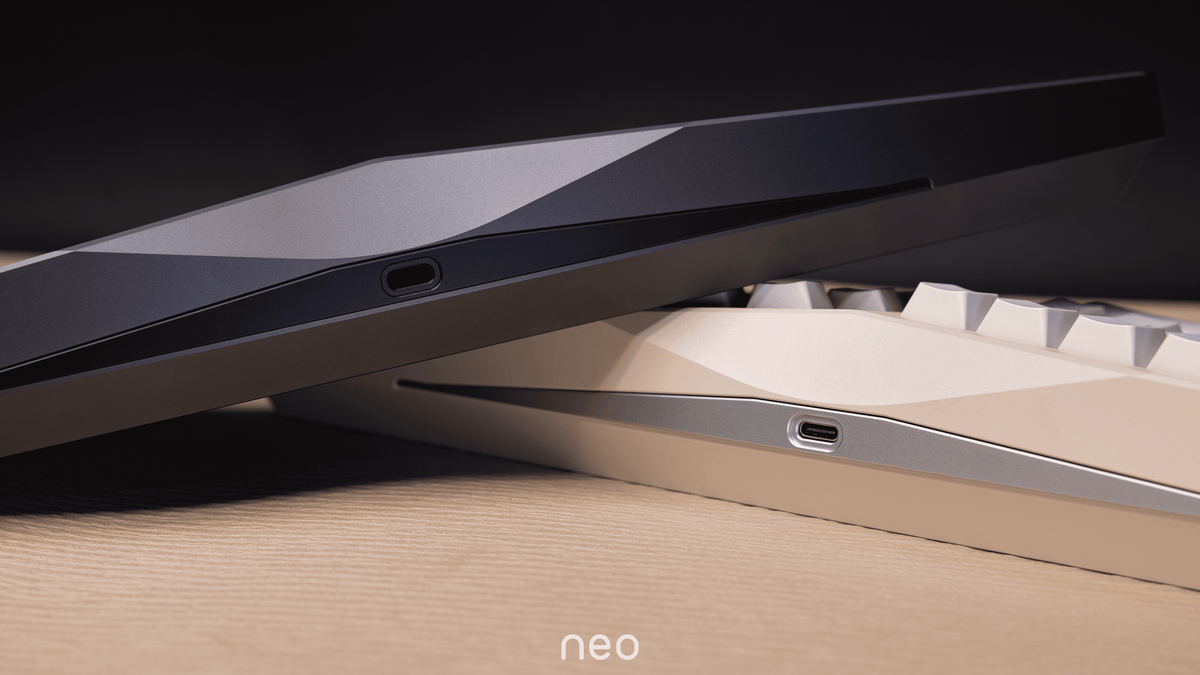
The tri-mode hot-swap PCB lets you use the Neo Ergo wired at your desk or wirelessly, with a 2.4 GHz dongle or Bluetooth. Two 2200 mAh batteries come pre-installed inside the kernel.
- Hot-swap sockets: change switches without soldering
- VIA compatible, NKRO
- RGB light strips between the key clusters, colour adjustable (no per-key RGB)
Choose your plate, choose your sound
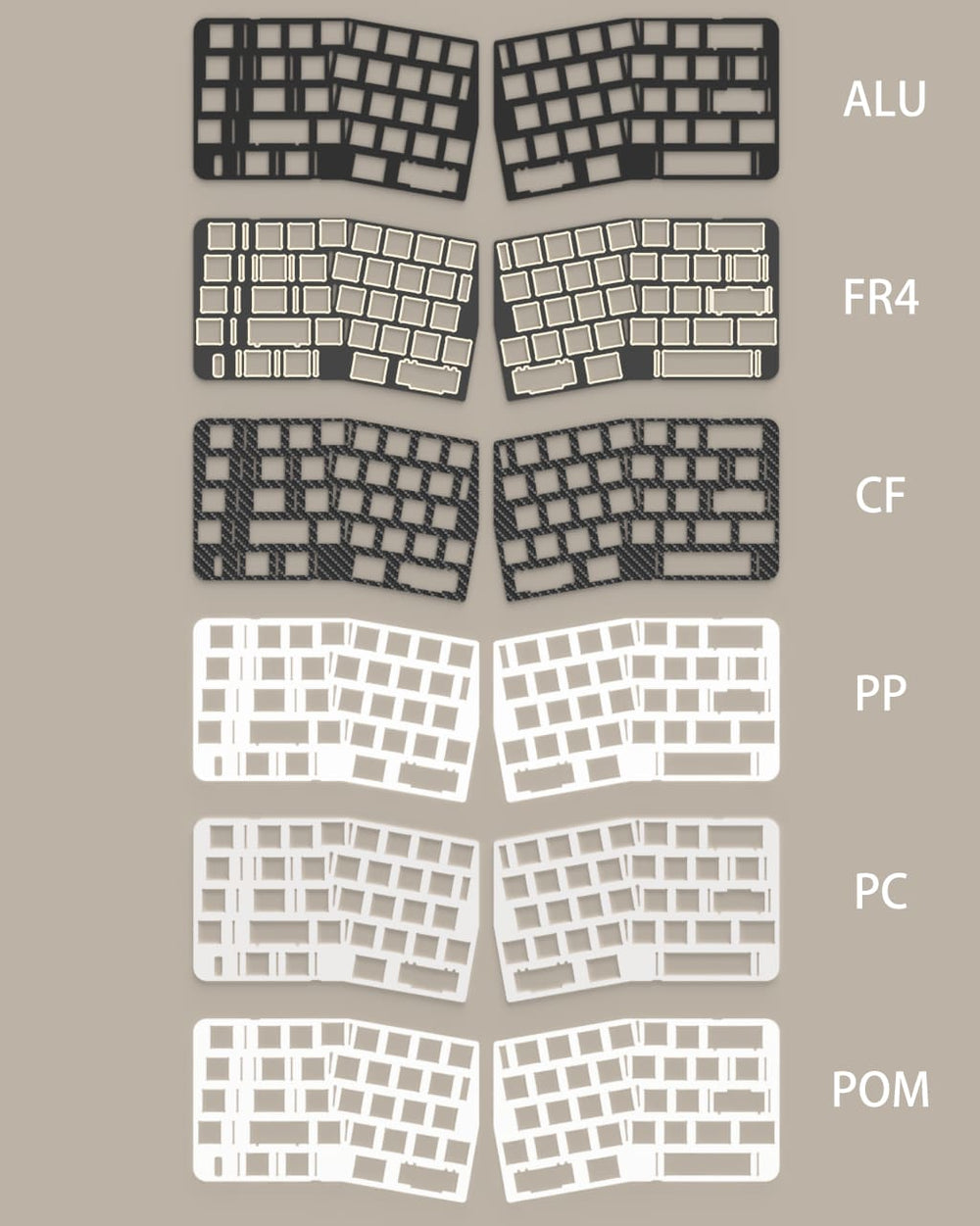
The plate is the part that shapes the sound and feel the most. Pick one with the kit, or add an extra plate to experiment later. All plates fit all PCBs.
Order from the softest to the stiffest plate. Not sure? PP and PC give the softest, deepest sound; aluminium gives the crispest, brightest one.
Case, kernel, badge and weight
The case comes in anodised or spray-coated aluminium. The kernel (middle part), the badge and the weight underneath (stainless steel or copper) come in their own finishes. The combinations available right now are listed in the colour selector above.

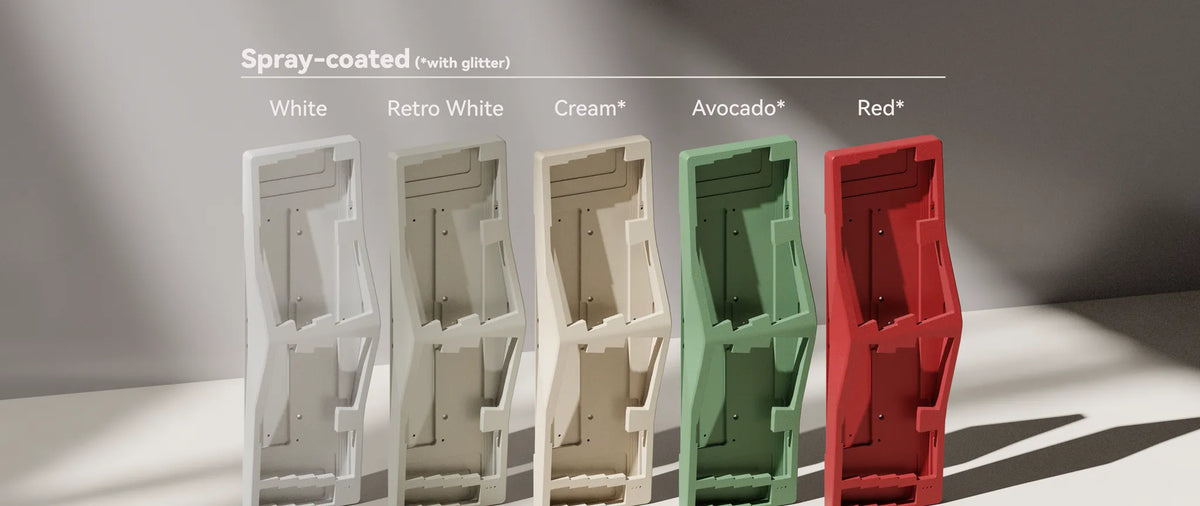
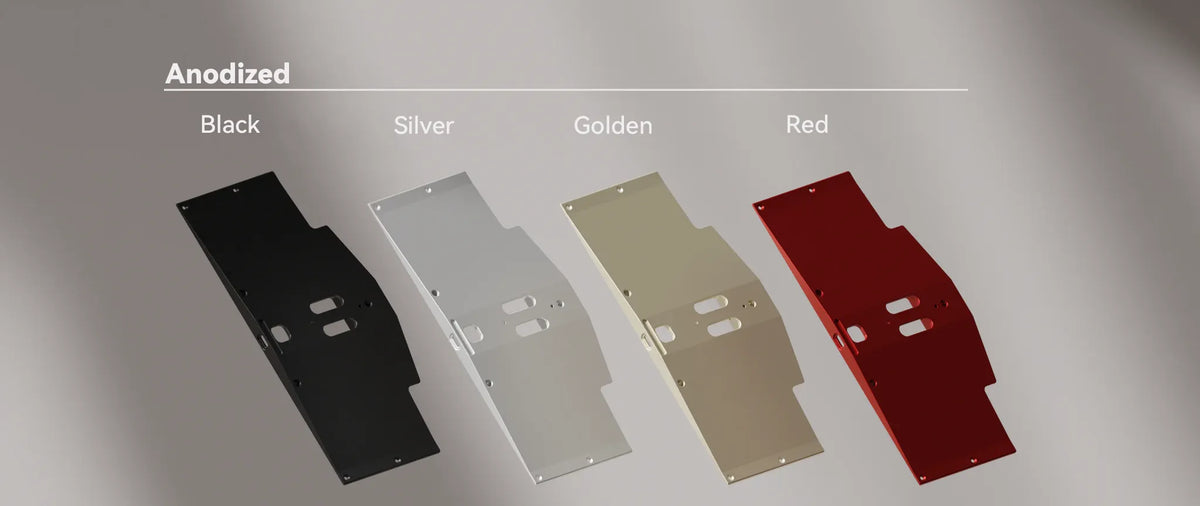
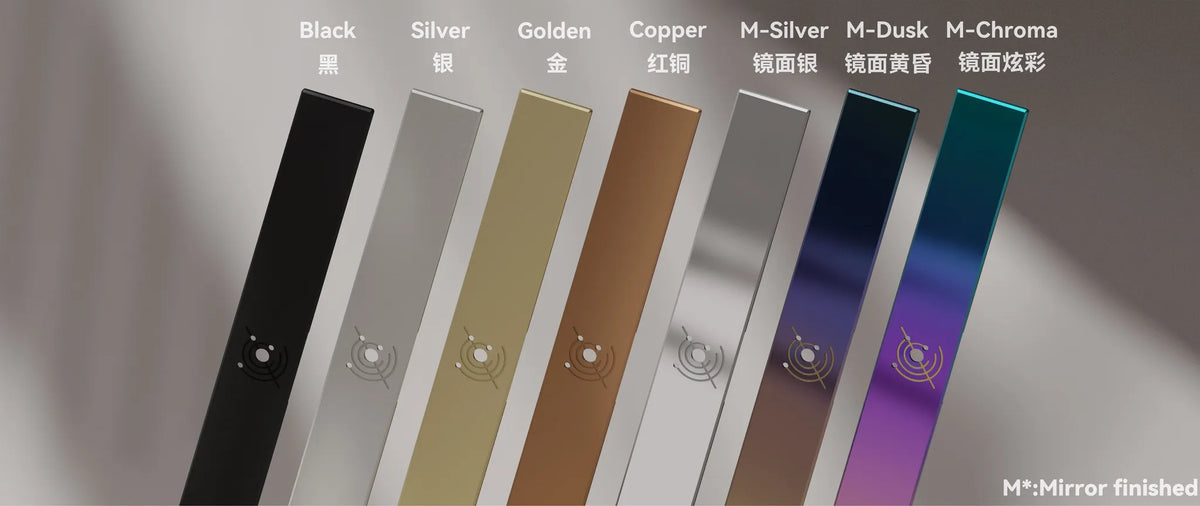
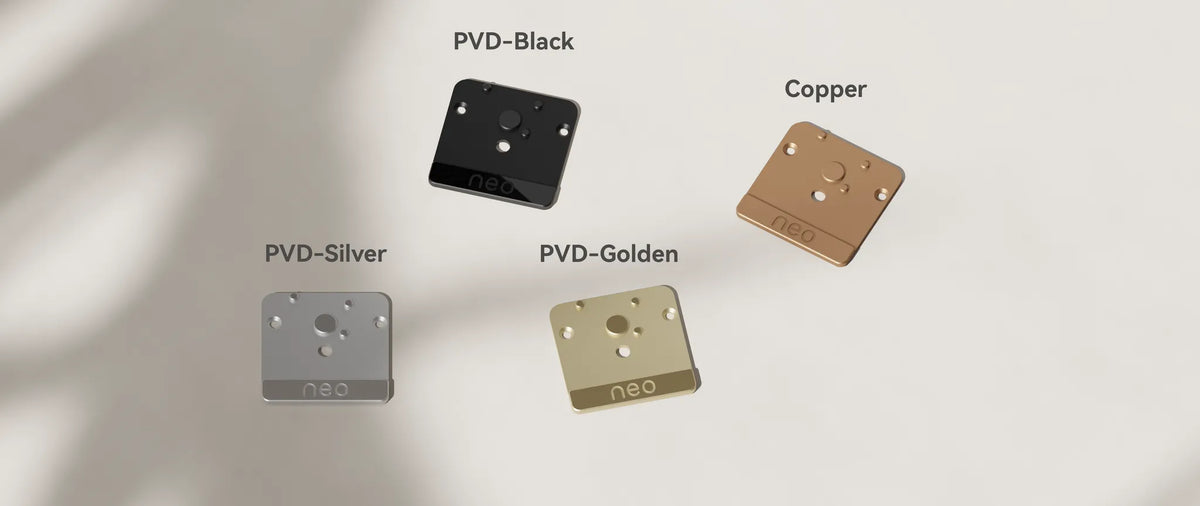
Everything at a glance
- Layout
- Tented Alice, ANSI compatible
- Angles
- 8° typing angle, 5° tenting
- Front height
- 14–27 mm
- Dimensions
- 355.8 × 112.2 mm
- Weight
- approx. 1.9 kg (tri-mode, with batteries, without switches and keycaps)
- Case
- Aluminium, anodised or spray-coated
- Mount
- Gasket mount (middle and corners)
- Assembly
- Ball-catch structure, magnetic connectors
- PCB
- Tri-mode hot-swap, 1.6 mm, no flex cuts, NKRO
- Connectivity
- USB-C (1000 Hz), 2.4 GHz (1000 Hz), Bluetooth (125 Hz)
- Battery
- 2 × 2200 mAh, pre-installed in the kernel
- Software
- VIA
- Lighting
- RGB strips between the key clusters, no per-key RGB
- Stabilizers
- NeoStab PCB clip-in set included
- Not included
- Switches and keycaps
Good to know
- A plate is required: the LED diffusers sit on the plate, so a plateless build would let the LEDs shine straight into your eyes.
- Remove the top case before pulling keycaps or switches, so the puller doesn't scratch the case.
- Extra tri-mode PCBs are sold without batteries (couriers don't allow loose batteries).